Verify - Workspace ONE4.0.2
Continue to app
Free Version
Publisher Description


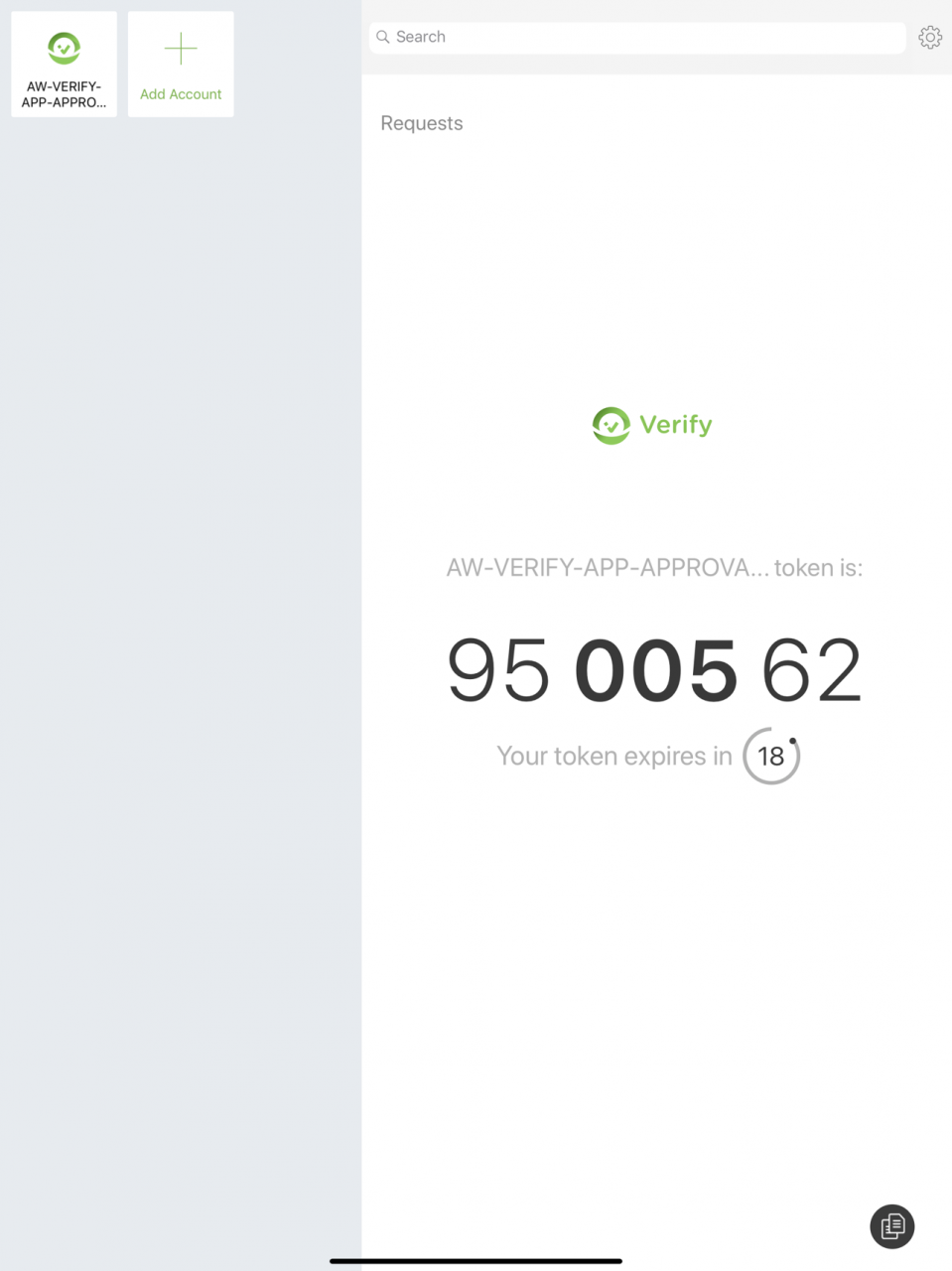

Verify works with the Workspace ONE two-factor authentication service to make logins more simple and secure across any laptop, tablet or smartphone. The app receives push notifications asking the user to simply swipe to verify possession of the device whenever authentication is required.
Additionally, you can use the Verify app to provide one time passcodes for two-factor authentication.
Verify works with applications managed by Workspace ONE.
Oct 22, 2020 Version 4.0.2
bugfixes
About Verify - Workspace ONE
Verify - Workspace ONE is a free app for iOS published in the Office Suites & Tools list of apps, part of Business.
The company that develops Verify - Workspace ONE is AirWatch, LLC. The latest version released by its developer is 4.0.2.
To install Verify - Workspace ONE on your iOS device, just click the green Continue To App button above to start the installation process. The app is listed on our website since 2020-10-22 and was downloaded 22 times. We have already checked if the download link is safe, however for your own protection we recommend that you scan the downloaded app with your antivirus. Your antivirus may detect the Verify - Workspace ONE as malware if the download link is broken.
How to install Verify - Workspace ONE on your iOS device:
- Click on the Continue To App button on our website. This will redirect you to the App Store.
- Once the Verify - Workspace ONE is shown in the iTunes listing of your iOS device, you can start its download and installation. Tap on the GET button to the right of the app to start downloading it.
- If you are not logged-in the iOS appstore app, you'll be prompted for your your Apple ID and/or password.
- After Verify - Workspace ONE is downloaded, you'll see an INSTALL button to the right. Tap on it to start the actual installation of the iOS app.
- Once installation is finished you can tap on the OPEN button to start it. Its icon will also be added to your device home screen.
Program Details
System requirements
Operating systems
iOS
Download information
File size
77.9 MB
Total downloads
22
Pricing
License model
Free
Price
Version History
Here you can find the changelog of Verify - Workspace ONE since it was posted on our website on 2016-10-19.The latest version is 4.0.2 and it was updated on Soft112 on 04 November, 2026.See below the changes in each version:
version 4.0.2
posted on 2020-10-22
Oct 22, 2020 Version 4.0.2
bugfixes
version 4.0.1
posted on 2020-07-08
Jul 8, 2020 Version 4.0.1
- bugfixes
version 4.0.0
posted on 2020-06-25
Jun 25, 2020 Version 4.0.0
Bugfixes
version 3.1.0
posted on 2019-04-12
Apr 12, 2019 Version 3.1.0
* Branding updates
* Miscellaneous bug fixes
version 1.0.0
posted on 2016-06-29
version 4.0.2
posted on 1970-01-01
22. Okt. 2020 Version 4.0.2
bugfixes
version 4.0.2
posted on 1970-01-01
2020年10月22日 Version 4.0.2
bugfixes
